What do I need to get started?
Open your private TV link in a compatible TV browser. If your TV doesn’t have one, a compatible Fire TV Stick with Amazon Silk may work. Hardware is separate.
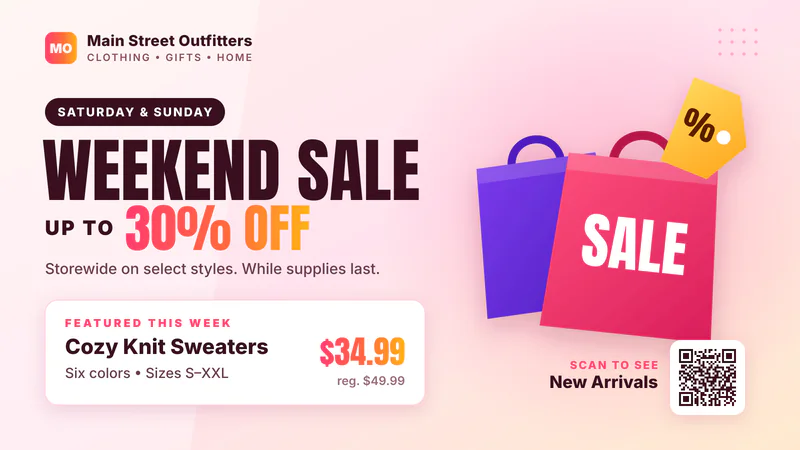
Only $99/monthWelcome slide included
Show announcements, menus, photos and promotions on the TVs you already own. Update them from your phone or computer.
If customers sit, wait, shop or play where they can see a screen, that screen can work for you.
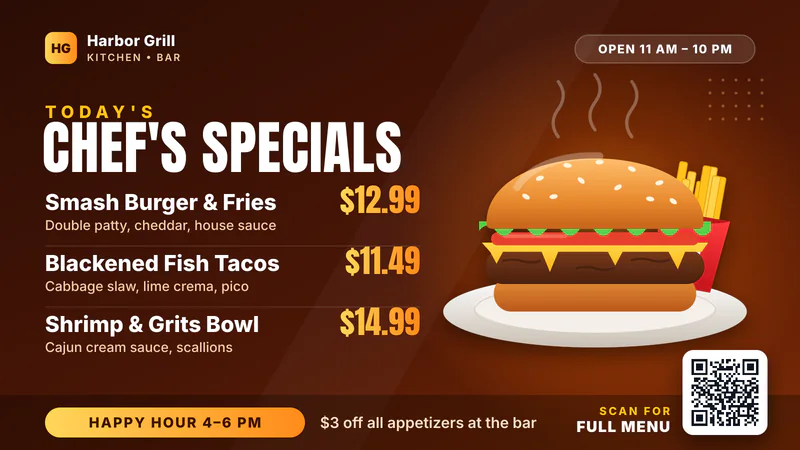
Bars & RestaurantsMenus, drink specials, game-day events and optional bar games.
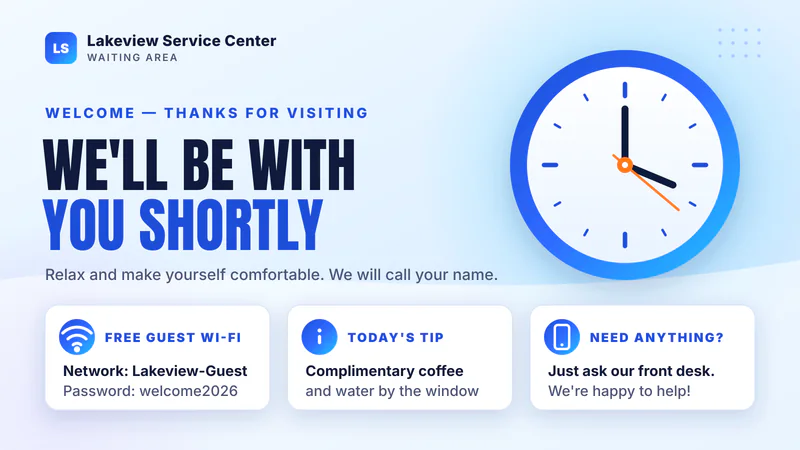
Waiting RoomsServices, next steps and hours, plus a sample QR check-in queue.
 Doctor’s OfficesSeasonal reminders, portal sign-up and answers to front-desk questions.
 Dental OfficesWhitening, cleaning reminders and payment options while patients wait.
 LobbiesWelcome visitors, list today’s events and point people the right way.
 Barber Shops & SalonsService promotions, stylist information and a sample QR check-in queue.
Use the browser on a compatible TV and make updates from your phone or computer.
Verify your email and pay securely through Stripe. When payment clears, Channel 1 is ready with a welcome slide.
Open your channel’s link in a compatible TV browser. A Fire TV Stick that supports Amazon Silk is another option.
Change slides, show photos and publish from your phone or computer. Your TVs update on their own.
Make these ideas your own with your logo, colors, photos and prices.
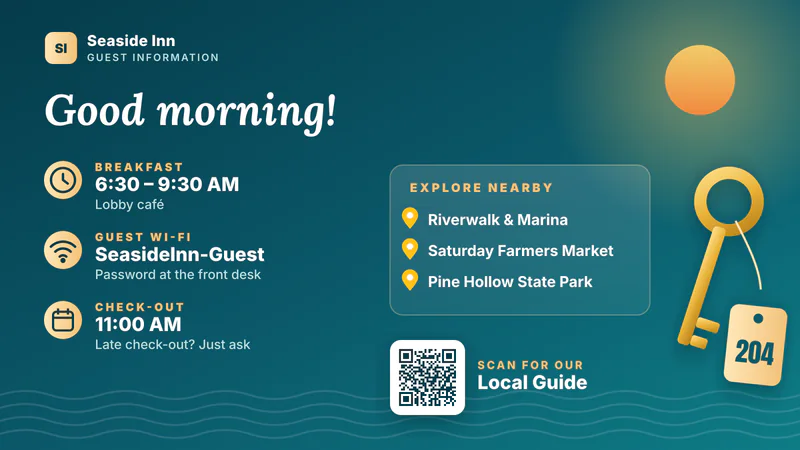
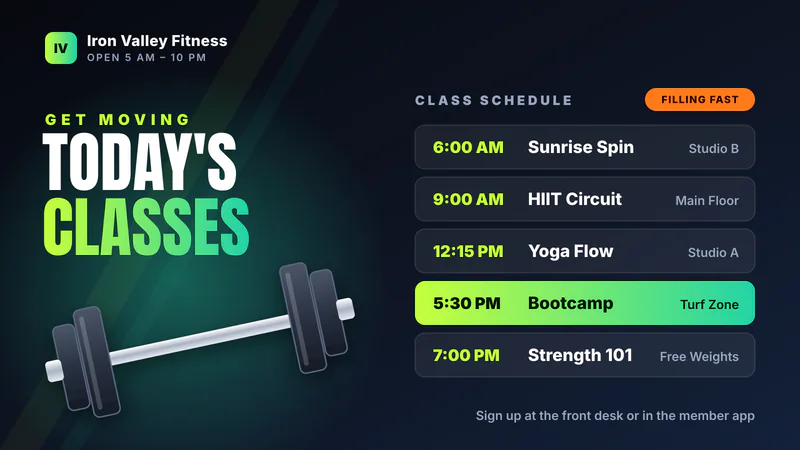
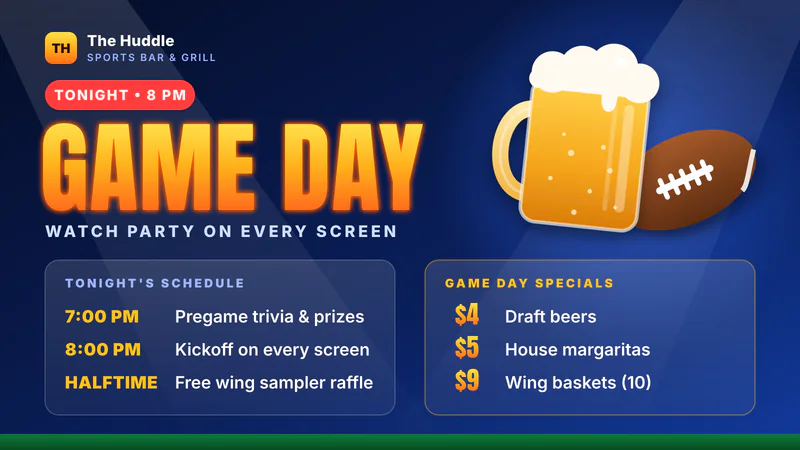
Hours, closures, reminders and anything your staff repeats all day.
Promote your own services and specials, or run slides for partners and sponsors.
Take a picture, choose your TVs and put it on screen. Stop or replace it whenever you like.
Clean, readable menus that you update from your phone.
Helpful extras that give people a reason to look up.
For bars, bowling alleys and venues: TV games guests play from their phones. See the games.
Try joining a sample waiting queue from your phone and see your position and estimated wait. Try the check-in demo.
Ask about optional setup for payment-provider checkout from a QR code. See setup and fees.
Big, clear buttons, and only the features your business uses.
Your channels
All TVs · 6 hoursDisplay NowIllustration of the phone dashboard.
One simple price
Editable welcome slide included. Prices are before applicable tax.
GET STARTED See everything that’s includedNo signup needed
Pick your industry and switch channels on a sample TV. Try a QR check-in queue, browse guest information or take the controls at a fictional bar.
TRY IT LIVEShort answers to what business owners ask us most.
Open your private TV link in a compatible TV browser. If your TV doesn’t have one, a compatible Fire TV Stick with Amazon Silk may work. Hardware is separate.
Sign in on your phone or computer. Tap Show Picture Now to put a photo up right away, or open Slideshow to add and edit slides with the drag-and-drop editor. Nothing changes on your TVs until you publish.
Yes. The plan includes up to 5 channels and up to 10 slides per channel. A channel is what is playing, and you can show each one on as many TVs as you like, so the lobby can show one thing while the break room shows another.
No. Bars and restaurants often use the optional games and karaoke, but the same system works in waiting rooms, doctor’s offices, hotels, salons, retail stores, gyms and any business with a customer-facing TV.
Only $99/month. Pricing is before applicable tax. The plan includes up to 5 channels and up to 10 slides per channel on unlimited TVs, with no per-TV fee. Hardware is separate. See exactly what is included.
Tell us about your business and your screens. We’ll get your first channel ready.
Need the ad itself? We also make funny promo videos and ad graphics, quoted separately.